Posted on
5 min
read
/
By
Clay Thomas
Getting an eSIM for Osaka before your trip might be the most useful travel decision you make. Don't be fooled, Osaka moves fast. You are constantly pulling up Google Maps, running Google Translate on kanji menus, and checking queue times at Universal Studios Japan. Every one of those moments needs a live data connection, and Osaka's public WiFi will not save you.
It's best to have your own personal data connection on hand. The good news is that a reliable eSIM solves all of that before you even board your flight.
Why Connectivity Matters More in Osaka Than You Might Expect
Osaka's Public WiFi Limitations
Japan has a strong reputation for being tech-forward. However, free WiFi is surprisingly unreliable for most locals and travelers alike. Most public hotspots require email registration, agreement terms in Japanese, and a manual reconnect each time you move locations.
Osaka Metro has cell signal on most lines. That said, you will hit dead zones in deeper tunnels and at certain station platforms. Relying on a public network during those gaps is not a realistic option.
Hotels usually offer solid in-room WiFi. But that does not help when you are exploring the city, or standing at a street corner in Namba trying to find the right exit to Dotonbori.
Apps You Cannot Use Without Mobile Data
Osaka is a city where your phone is a survival tool. Here is what goes becomes obsolete without a data connection:
Google Maps — handles obvious metro routing, transfer timing, and walking directions
Google Translate — essential for menus, signs, local shops, and communicating with locals who don't speak English
Mobile ICOCA — the digital transit card for Kansai; requires internet to load and recharge
Restaurant and booking apps — real-time reservations, QR menus, and attraction tickets for places like Osaka Castle and USJ
Trying to manage any of this on patchy public WiFi adds unnecessary stress to your trip.
What Is an eSIM and How Does It Work
eSIM vs Physical SIM vs Pocket WiFi
A physical SIM means hunting for a vending machine at the airport and managing a tiny card you could easily lose. Pocket WiFi gives a shared connection, but you carry an extra device, keep it charged, and return it before you leave.
An eSIM is a digital SIM built directly into your phone. You buy a plan online, receive a QR code by email, and scan it to install the profile. No card swaps, no extra hardware, no return lines at the airport. For Osaka, a local Japan eSIM will improve your whole trip, instantly.
The biggest practical advantage is dual-SIM functionality. Your home number stays active for calls and texts while your eSIM handles data in Japan. You never miss a message from home, and you never pay international roaming rates.
Device Compatibility Check
Most modern smartphones support eSIM. Compatible devices include:
Apple — iPhone XR and all newer models
Samsung — Galaxy S20 and newer
Google — Pixel 3 and newer
To verify, go to Settings > General > About and look for an EID number. You can also dial *#06# to pull it up quickly.
If your device was purchased through certain carriers in North America or China, it may be carrier-locked. Confirm with your carrier or check the eSIM provider's compatibility list before purchasing.
How an eSIM for Osaka Plan Keeps You Connected Across the City
Network Coverage in Osaka's Key Areas
Coverage quality depends on which network your eSIM runs on. KDDI and NTT Docomo are Japan's largest carriers, delivering the most reliable coverage in both dense urban areas and rural stretches.
In Osaka, that means strong 4G and 5G signal across:
Dotonbori and Namba
Umeda and Shinsaibashi
Osaka Castle and surrounding areas
Universal Studios Japan, even during peak crowd days
This coverage also extends well beyond Osaka's city limits. Day trips to Kyoto, Nara, Kobe, or Himeji all stay covered on the same plan. No configuration changes needed.
Subway and Train Signal in Osaka
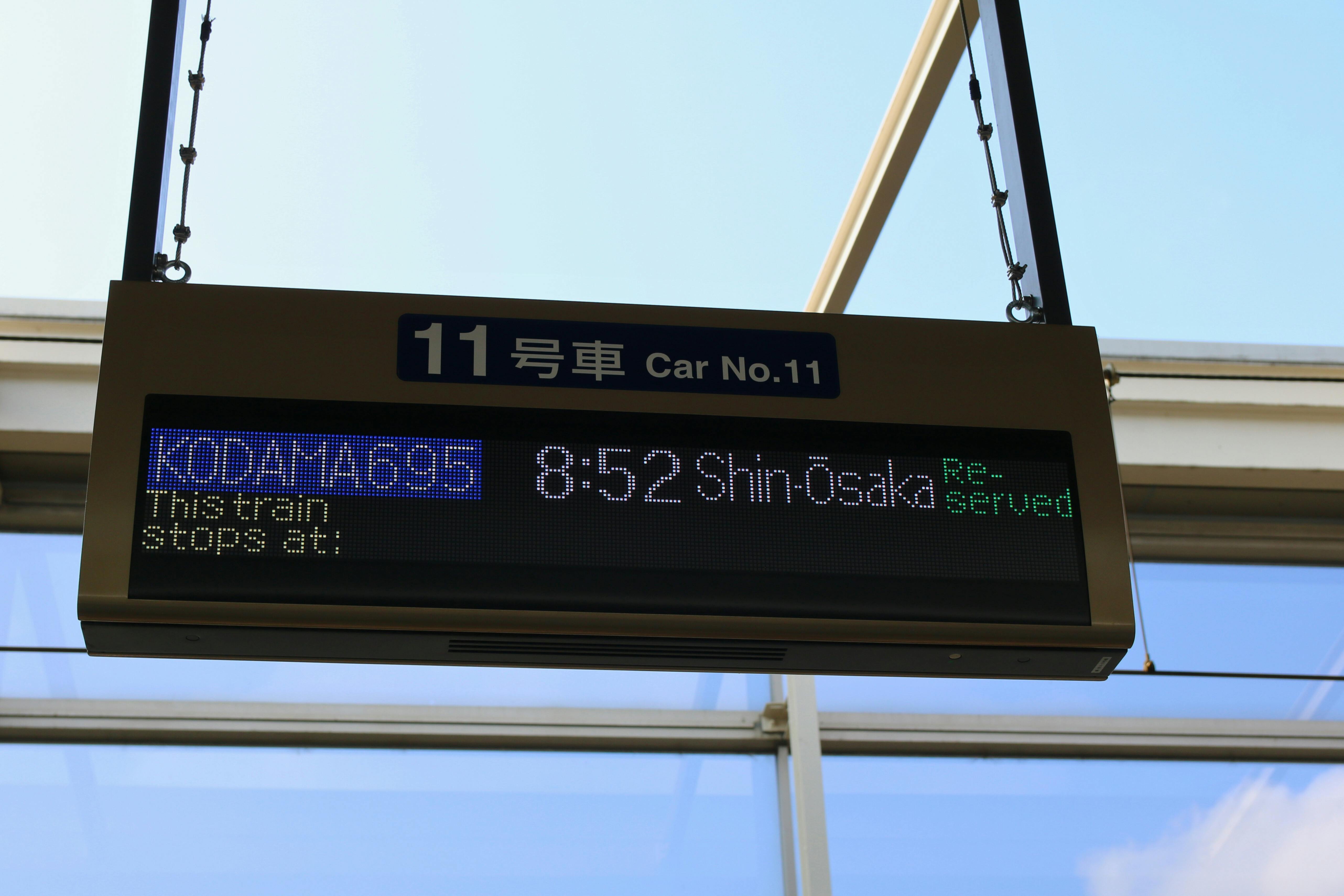
As mentioned, Osaka Metro carries cell signal on most lines. Expect a solid connection on the Midosuji Line between Umeda and Namba, and on the Chuo Line toward Osaka Castle. Brief drops in the deepest tunnel sections are normal and last only a few seconds.
For longer journeys, the Shinkansen from Shin-Osaka maintains a strong Docomo connection through most of the Tokaido corridor toward Kyoto.
Pro tip: Download your Google Maps area offline before heading out each day. It takes about two minutes and saves a lot of frustration if you hit a dead zone at a bad moment.
Data Usage Estimates for an Osaka Trip
How much data you need depends on how you travel. Here is a practical breakdown for user type and daily usage:
Light User - Simple maps and messaging only. (est. ~1GB/day)
Moderate User - Uses translation apps, social media, booking apps. (est. ~1.5 to 2 GB/day)
Heavy User - Live streaming, hotspot sharing, content uploads, daily gaming. (est. 3 GB+/day)
Japan trips consume more data than most destinations. The heavy reliance on translation and navigation apps adds up quickly. When in doubt, size up your plan.
Setting Up Your eSIM for Osaka Before You Fly
Purchase and Installation Steps
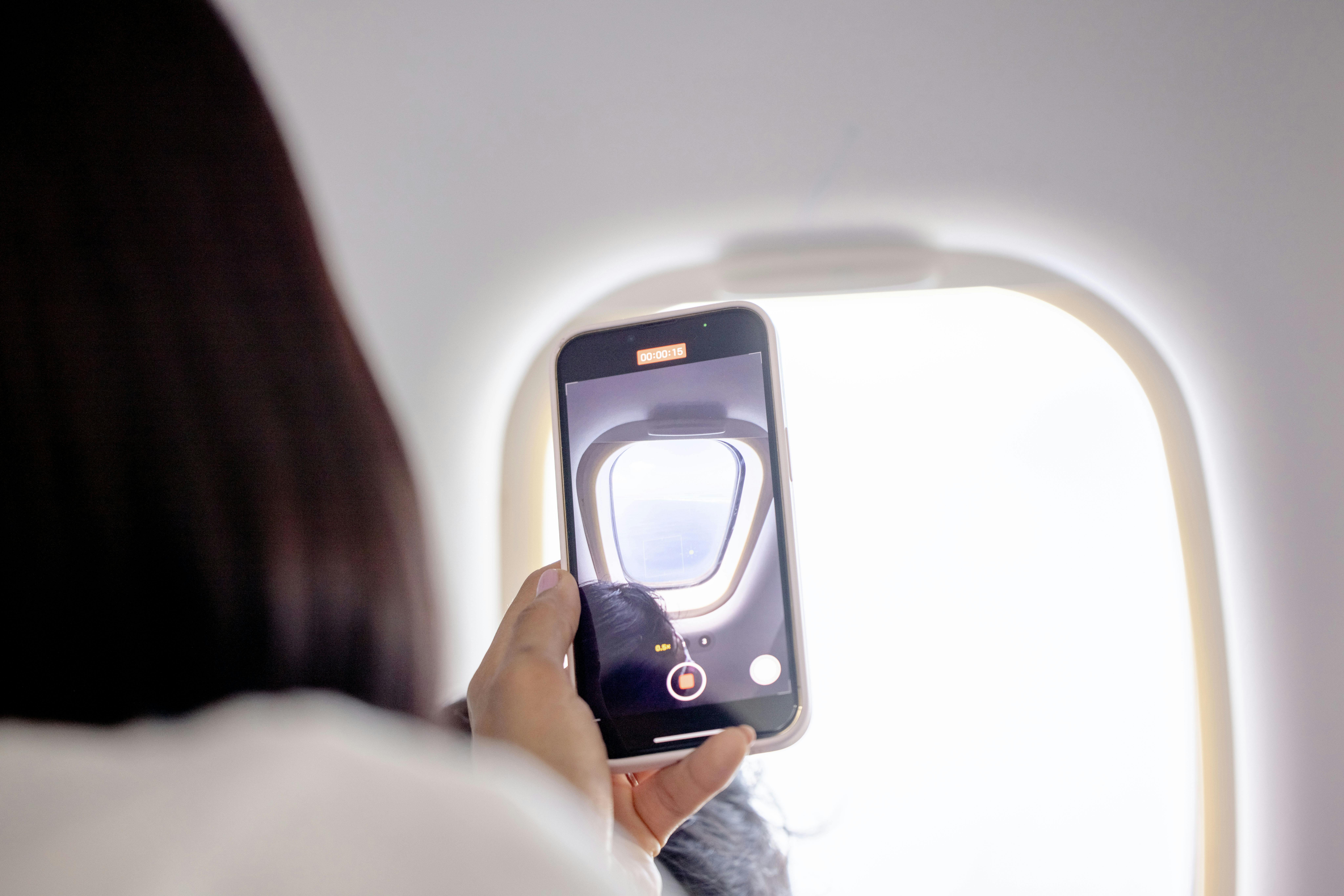
The entire setup takes about five minutes. Here is how it works:
Purchase your plan online, and receive a QR code by email within minutes
Scan the QR code with your phone's camera while connected to home WiFi
The eSIM profile installs onto your device and waits in standby
Activation happens automatically the moment you land in Japan
No steps are needed at the airport. You walk off the plane with a live data connection.
Important: Activation codes can be one-time use. Do not delete the eSIM profile once installed, and do not scan the same QR code on more than one device. If an issue comes up during installation, contact support before removing the profile.
Pre-Departure Checklist
Run through this before you leave:
Confirm your device is unlocked and eSIM-compatible
Purchase your plan and install the eSIM at least 24 to 48 hours before departure
Enable data roaming for the eSIM profile in your cellular settings
Download offline maps for Osaka and any cities on your itinerary
Turn off data roaming on your home carrier SIM — easy to miss, and skipping it leads to surprise charges
Using Your eSIM in Osaka Day to Day
Navigation and Transit
Google Maps is the most reliable navigation tool for Osaka's transit network. It handles metro line changes, transfer timing, and walking directions in one flow. With your eSIM active, it works from the moment you land at Kansai Airport, keeping you on fastest route to your destination..
The Nankai Line is the fastest rail connection from Kansai Airport into central Osaka, ending at Namba Station. From there, the Osaka Metro covers the rest of the city.
For transit payments, load Mobile ICOCA through the app on a connected data plan. You can then tap in and out across all metro lines, JR West trains, and buses without a physical card.
Contactless Payments and Digital Tools
Osaka's rail network has expanded its contactless payment options. The following lines now accept credit card touch-to-ride:
Osaka Metro
Kintetsu
Hankyu
Hanshin
For retail and dining, PayPay is the dominant QR code payment app across Japan. Apple Pay and Google Pay are accepted at a growing number of stores and restaurants. All of these need a live data connection to process, which is another reason your eSIM matters from day one.
Day Trips from Osaka
Osaka sits at the center of one of Japan's most travel-dense regions. Here is how close the top destinations are:
Kyoto — 15 minutes by Shinkansen
Nara — 45 minutes by direct train
Kobe — 30 minutes on the Hankyu Line
Himeji — under an hour by rail
Your eSIM for Osaka plan on KDDI and Docomo's network covers all of these without extra setup. No swapping, no topping up, no coverage gaps between cities.
Conclusion
Osaka is not a city you can explore comfortably without reliable mobile data. Navigation, translation, payments, and transit all depend on a live connection throughout the day. Public WiFi covers the gaps only sometimes, and relying on it adds friction to a trip that should run smoothly.
A dedicate, Japan eSIM on strong local network solves this cleanly. It activates on landing, covers every district in Osaka, and extends across the entire Kansai region. No physical SIM to manage, no device to return, and no surprise roaming bill when you get home.
Set up your eSIM for the Osaka plan before your trip, and the city is yours from the moment you step off the plane.
Frequently Asked Questions (FAQs)
Does an eSIM work on the Osaka Metro underground?
Yes, Osaka Metro has cell signal on most lines. Brief signal drops in some tunnel sections are normal and short-lived.
Can I use an eSIM for mobile payments in Osaka?
Yes. PayPay, Apple Pay, Google Pay, and Mobile ICOCA all work over your eSIM data connection. Keep data active and these apps function normally throughout the city.
Do I need to turn off my home SIM when using an eSIM?
You do not need to turn it off, but disable data roaming on your home SIM. This ensures all data routes through your eSIM and avoids unexpected charges.
What happens if I delete my eSIM by accident?
Activation codes are one-time use and cannot be reinstalled after deletion. Contact your eSIM provider immediately, before removing the profile from your device.
Can I share my eSIM data as a hotspot?
Most eSIM plans support mobile hotspot sharing. Check your plan details to confirm, and note that hotspot use increases your daily data consumption.

4.9
USD
$84
Nouveau
4.9
USD
$59